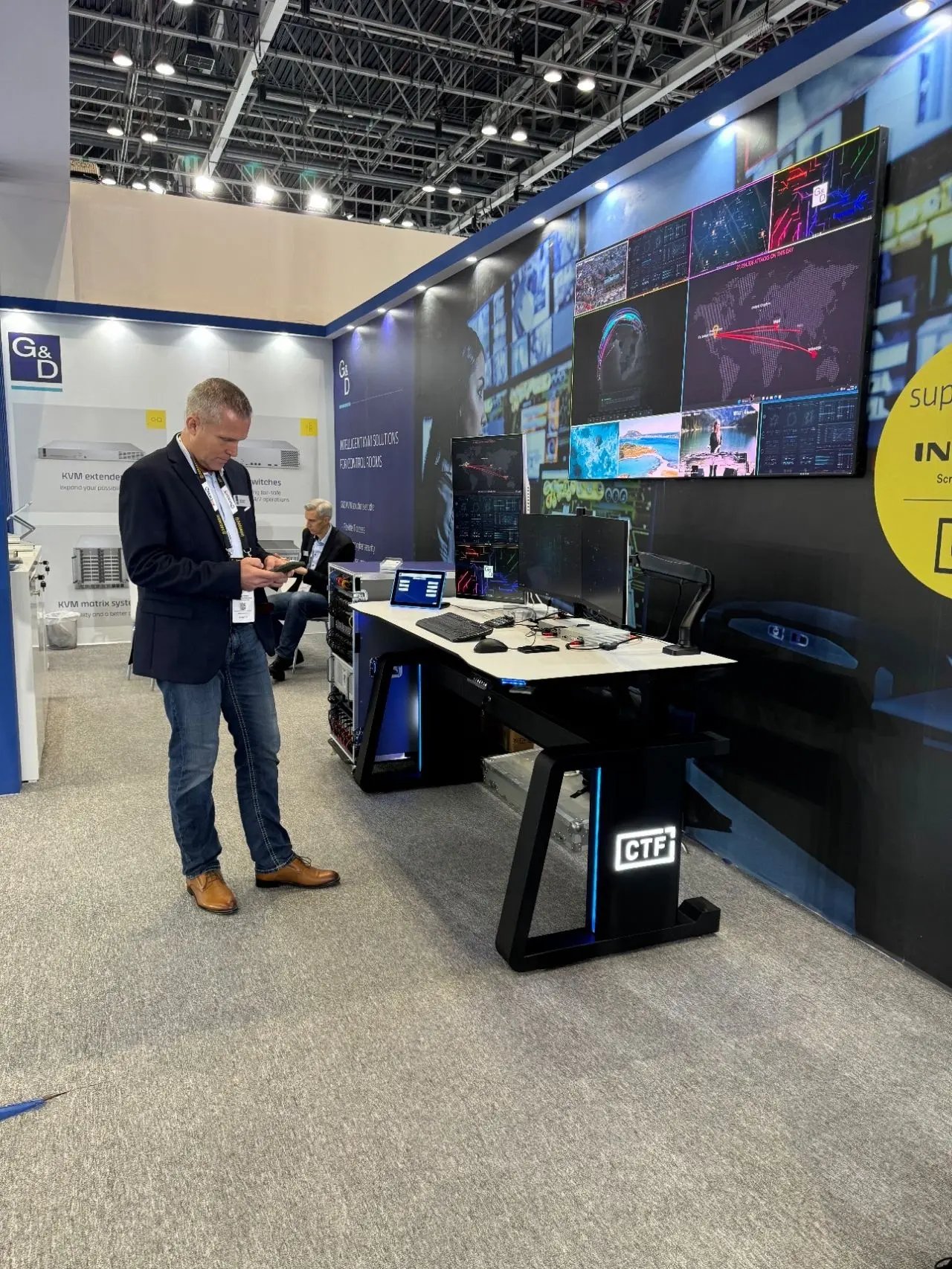
news Broadcast Control Room Consoles for Media Studios Across UAE

Broadcast Control Room Consoles for Media Studios Across UAE

How Control Room Console Design Impacts Productivity in Broadcast Studios?

Count the decisions a vision mixer makes during a single live news bulletin. Camera cuts, graphics calls, audio levels, talkback with the gallery, a late script change coming through on one screen while a live feed drops on another. Now imagine making all of those decisions while reaching awkwardly for a control surface placed six inches too far away, squinting past a monitor mounted at the wrong height, with a cable snagging every time the chair moves. None of those individual annoyances sound like much. Stacked across a three-hour live broadcast, they're the difference between a clean show and a missed cue.

That's the part broadcast control room design tends to get underestimated on. The consoles aren't furniture, they're the physical interface between an operator and everything they need to control under time pressure that doesn't forgive hesitation.

Why Console Layout Directly Affects Broadcast Speed?

Broadcast operators work differently from almost any other control room discipline. A utility operator might monitor a steady system for hours with occasional interventions. A broadcast operator is executing continuously, often making dozens of deliberate actions per minute during a live segment, across multiple screens, multiple control surfaces, and an active communication system running in their ear the entire time.

That intensity means layout decisions carry real operational weight. Research consistently shows that poor sightlines, excessive glare, repetitive head movement, and inefficient layouts compound operator strain, and in a broadcast environment, that strain converts almost directly into slower reaction times on live output. Every unnecessary reach, every monitor requiring a head turn rather than an eye movement, every control surface sitting outside the natural working zone adds a fraction of a second and a small amount of cognitive load. In live broadcast, fractions of a second are the entire margin.

airporthub

Ergonomics: Where Comfort Becomes Performance

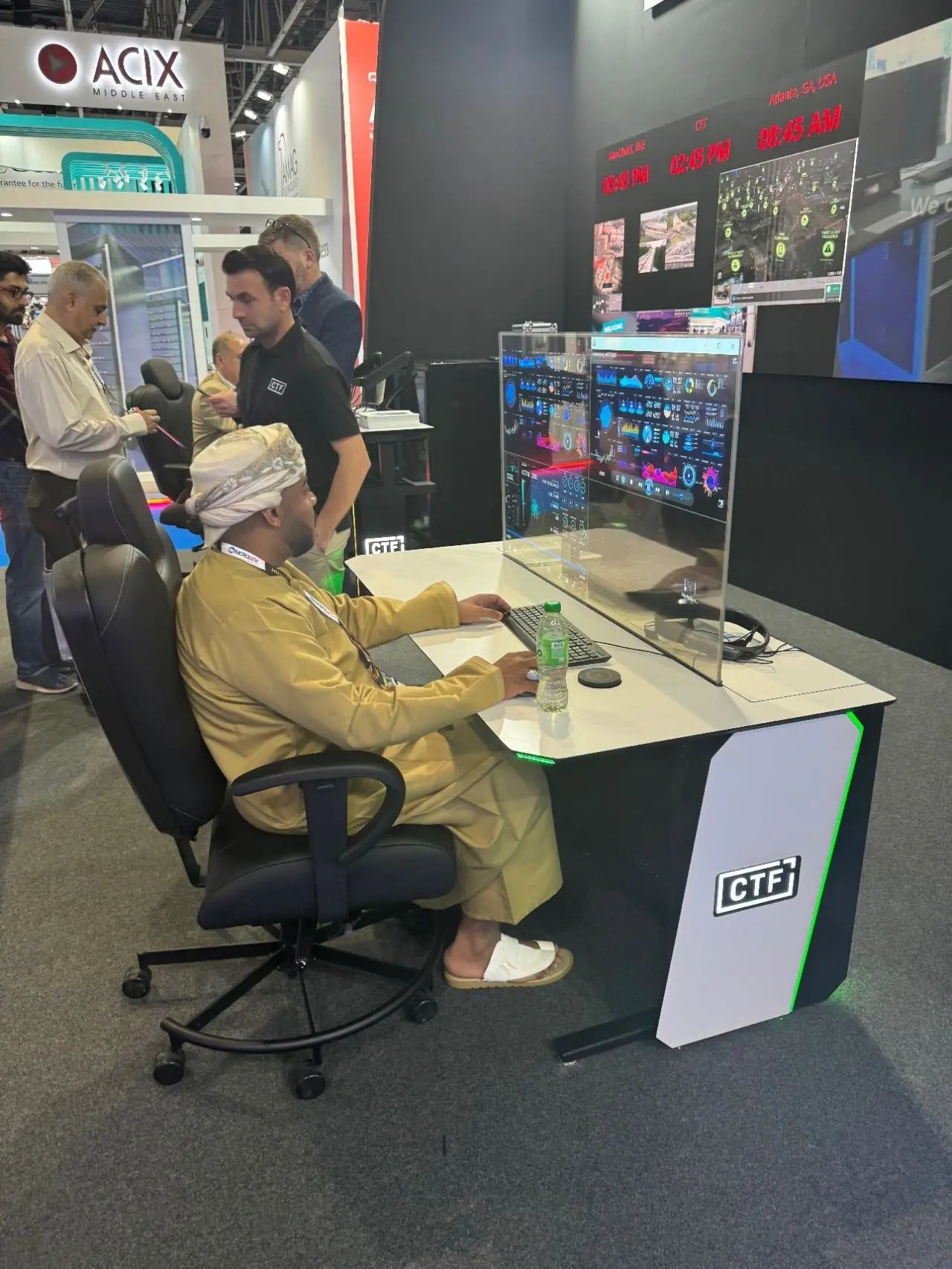
It's tempting to file ergonomics under "staff comfort," a nice consideration if budget allows. In broadcast, that framing genuinely doesn't hold up. OSHA defines ergonomics as fitting the job to the person, noting that good ergonomic design helps lessen muscle fatigue, increase productivity, and reduce work-related musculoskeletal disorders, and for operators working long, high-intensity shifts, this isn't abstract.

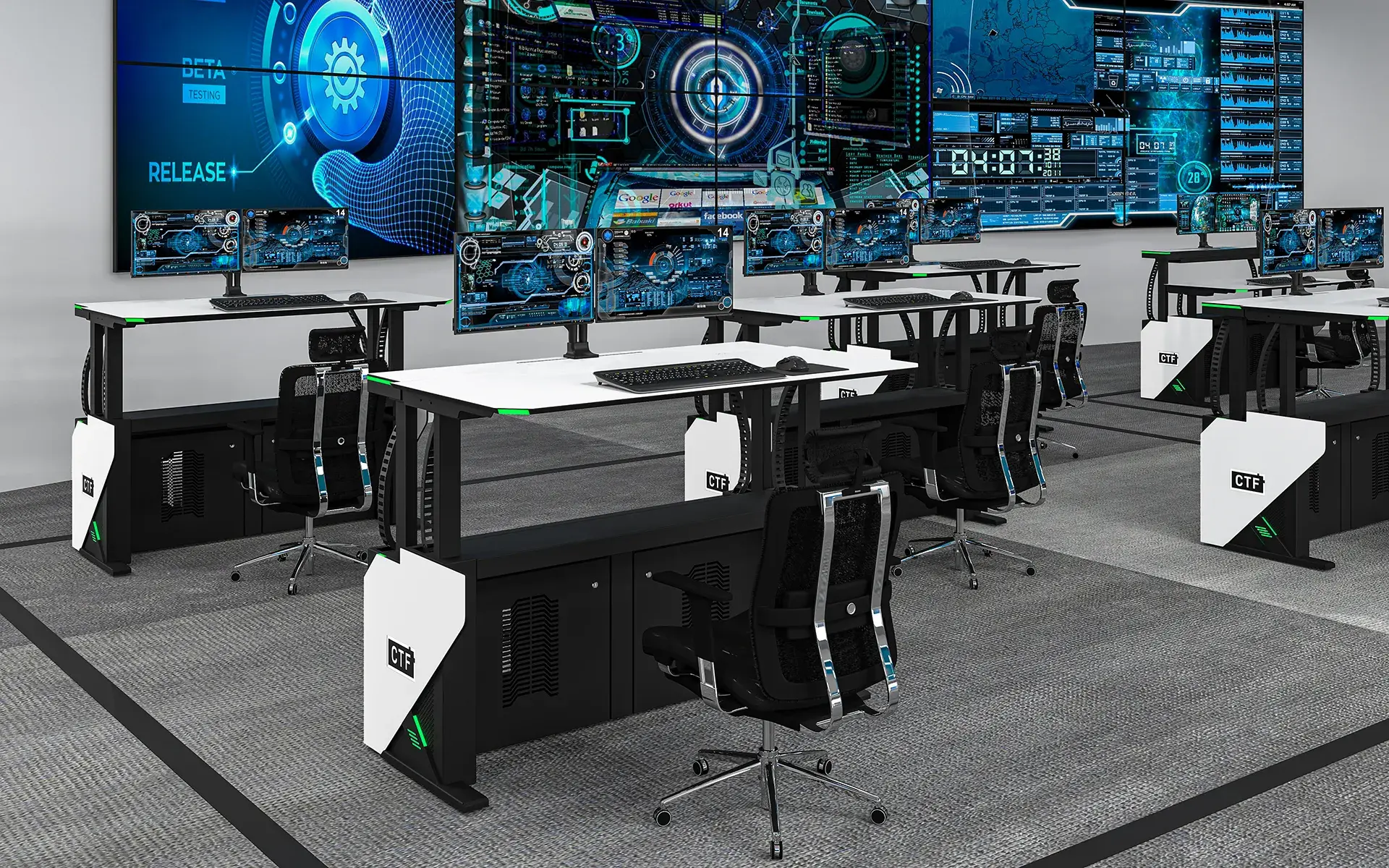
Ergonomic broadcast consoles get the fundamentals right in ways that are easy to overlook until they're wrong. Work surface height and depth need to suit both seated and standing operation, since sit-stand capability genuinely helps maintain alertness across a long shift rather than just offering variety. Monitor mounting needs to place primary displays within a natural viewing cone, so operators aren't repeatedly craning to check a feed they're monitoring constantly. Reach zones matter enormously, the control surfaces used most often need to sit within immediate, comfortable reach, not require a stretch that slowly wears on shoulders and back across a full shift.

Equipment Integration Built Into the Console, Not Around It

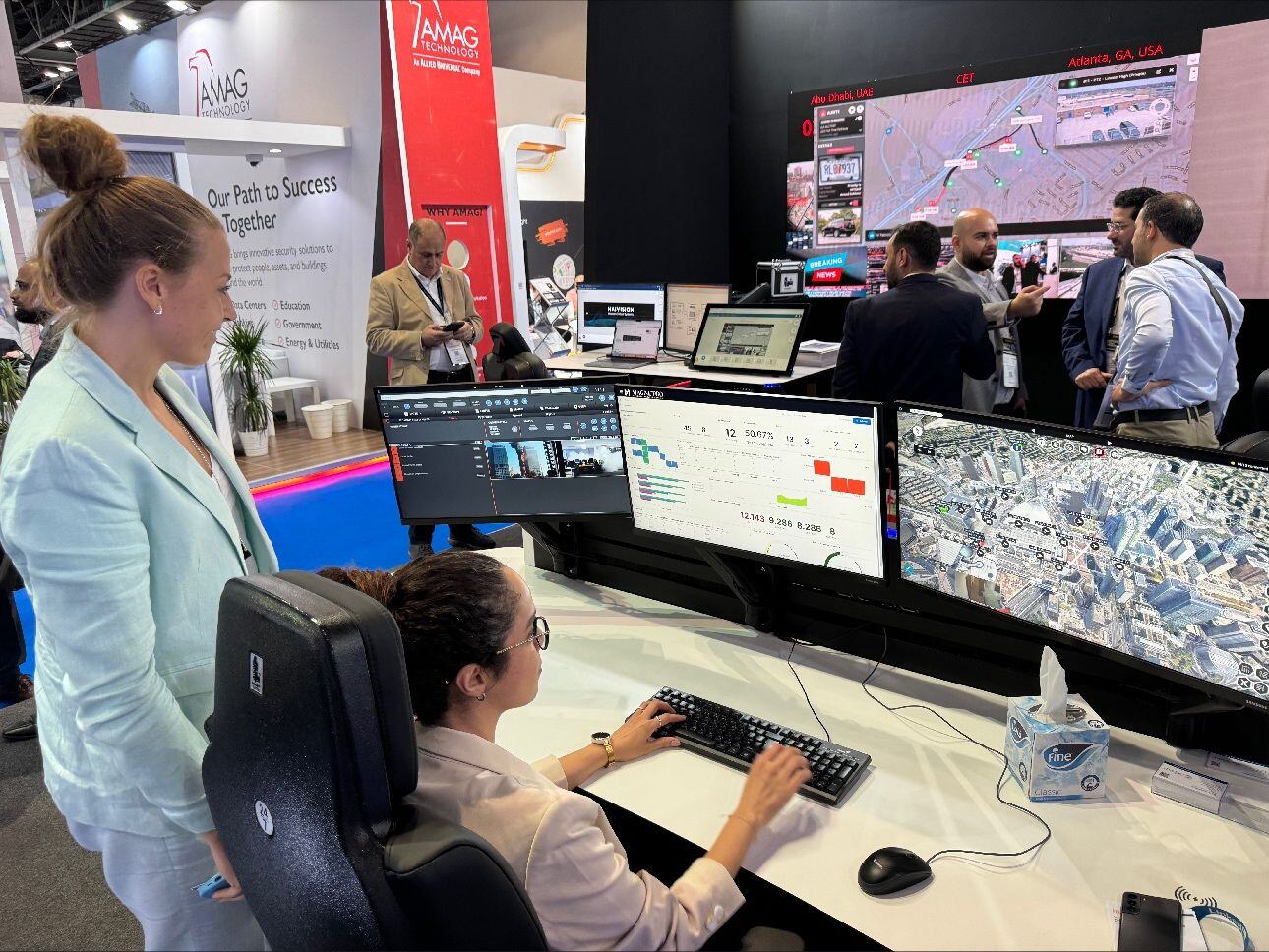
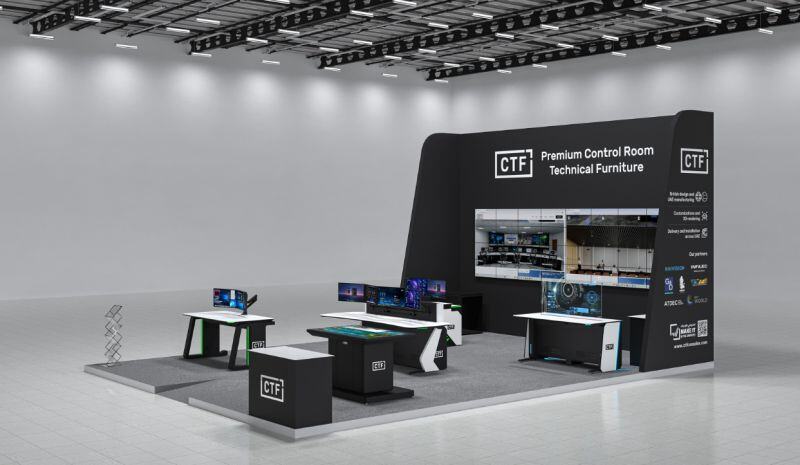
A broadcast console has to house considerably more hardware than a standard control room workstation. Vision mixers, audio control surfaces, talkback panels, KVM switches, multiple monitors, and the rack-mounted equipment powering all of it. The difference between purpose-built technical furniture for broadcast studios and a generic desk with equipment stacked on top shows up immediately in how a room actually operates.

Properly integrated consoles include adequate rack space designed into the structure itself, monitor mounting engineered for the specific load and configuration a studio needs, and surface layouts that account for where each piece of equipment actually needs to sit relative to the operator's hands. When integration is handled properly, the console effectively disappears, the operator interacts with equipment rather than working around furniture that wasn't designed to hold it.

Cable Management: The Unglamorous Detail That Changes Everything

Nobody gets excited about cable management and yet, it's one of the biggest practical differences between a smoothly running control room and one that is constantly battling its staff. Poor cable and network management is regularly flagged as one of the most common, most costly mistakes in control room design, because fixing these issues after the fact is exponentially harder than designing it well from the start.

Having good cable management in a broadcast console means that power and signal paths are separated to avoid interference, runs are labelled so that a fault can be traced in minutes rather than an hour, and that the system has built-in access points so that the technician can quickly reach what they need without dismantling the workstation or interrupting a broadcast in progress. In a live situation where the swap of the hardware may have to be done between the segments, that kind of accessibility is not just nice to have; it is what enables the operational continuity.

Visibility and Sightlines Across the Gallery

Broadcast control rooms are visual environments by definition. Operators need clear, unobstructed sightlines to the monitor wall, whether that's a grid of individual displays, a tiled video wall, or a multiviewer setup, alongside their own local screens. Console height, monitor positioning, and the overall room layout all directly determine whether every operator can actually see what they need to see from their working position, or whether some positions end up with compromised views nobody accounted for during planning.

This is exactly why console configuration, straight, L-shaped, curved, or multi-row, should be chosen based on the number of operators and the room's actual geometry, not simply what fits the floor plan most neatly. A curved configuration that gives every operator a clean line to the monitor wall outperforms a straight row that looks tidier on a drawing but leaves two positions craning sideways all shift.

Designing for Collaboration, Not Just Individual Positions

A gallery isn't a room full of people working independently, it's a team executing one coordinated output under time pressure. The director, vision mixer, audio operator, graphics, and production assistant all need to communicate constantly, often through a combination of talkback and direct conversation across the room.

Console layout either supports that or quietly fights it. Positioning that allows quick eye contact between key roles, sightlines that let the director see their team as well as the monitor wall, and acoustic consideration so talkback and direct speech don't compete, all contribute to how smoothly a live production actually runs. A technically perfect individual workstation sitting in a layout that isolates operators from each other still produces a slower, more error-prone show.
gccuae

Why Customised Consoles Outperform Off-the-Shelf?

No two broadcast operations are identical. A regional news studio, a live sports gallery, and a post-production suite have genuinely different equipment loads, operator counts, and workflow patterns, and a standard desk built to a generic specification inevitably compromises on at least one of them.

Customised consoles built around a specific studio's actual equipment, headcount, and room geometry avoid exactly the compromises that slowly erode productivity, the position with a poor sightline, the rack space that's six units short, the surface depth that forces a monitor too close. Modular, purpose-built control room solutions are also future-proof considerably better, since equipment in broadcast changes far faster than furniture does, and a console that can adapt to a new mixer or an additional monitor without a full replacement protects the investment meaningfully longer.

What This Means for Your Studio?

A broadcast console genuinely outlasts almost every piece of equipment mounted in it, which makes it one of the few decisions in a studio build worth getting right the first time rather than revisiting in three years. The difference between a console designed around your operators and one selected from a catalogue shows up every single shift, in reaction times, in fatigue levels by hour three, in how quickly a fault gets traced, and in how cleanly a team coordinates during a live segment.

If your current setup has operators working around their furniture rather than through it, that gap is costing more than it looks. Explore how CTF approaches broadcast and media control room consoles, built around the specific demands of live production environments rather than adapted from a generic office specification.

1705504277456
1705504278002
1705590713886
1705046058571
1705504278453
1705590716289